


 Title Index
 Recently Changed
 Page Hierarchy
 Incomplete
 Tags
Tags


Please follow these steps to install QuickConnect for Mac.
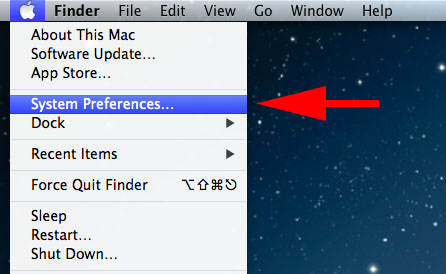
1. Go to >System Preferences
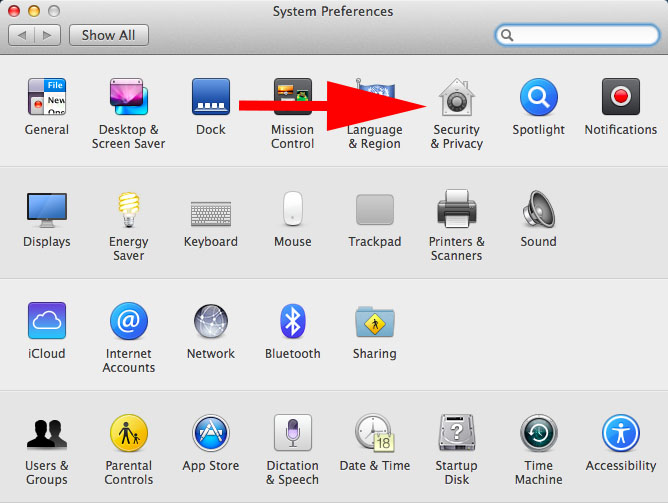
2. Select tab >Security & Privacy
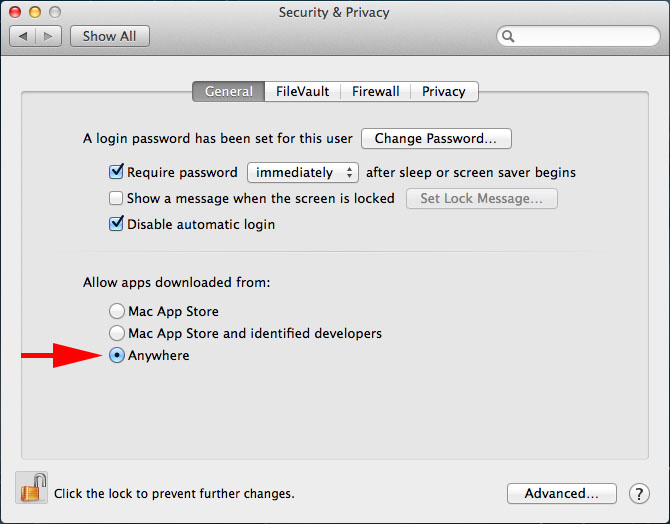
3. In the "Allow apps downloaded from:" section, please select the "Anywhere" option.
4. Proceed with installing the program.
If error may occur please contact our email support service at: [email protected]